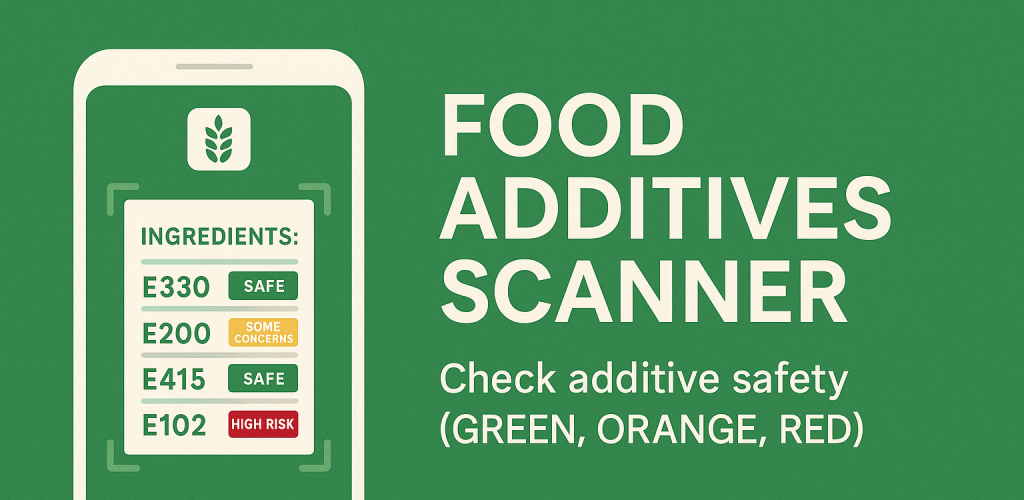
Food additives scanner header. Check additive safety (green, orange, red)

Food additives scanner mobile application

Food Additives Scanner is an Android mobile application designed to quickly scan product labels in any language and instantly provide a safety analysis based on the additives detected.
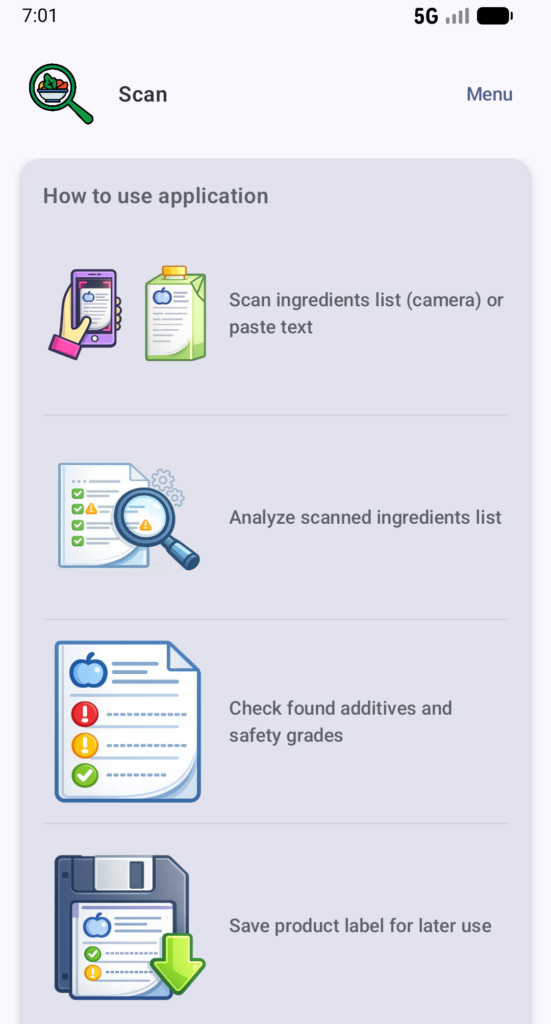
How to use application. 1 Scan ingredients list, 2 Analyze scanned ingredients list, 3 Check found additives and safety grades, 4 Save product label for later use.
How to use application

This helps make everyday shopping decisions easier and, most importantly, safer – especially for users who want to avoid highly processed foods or additives of concern.
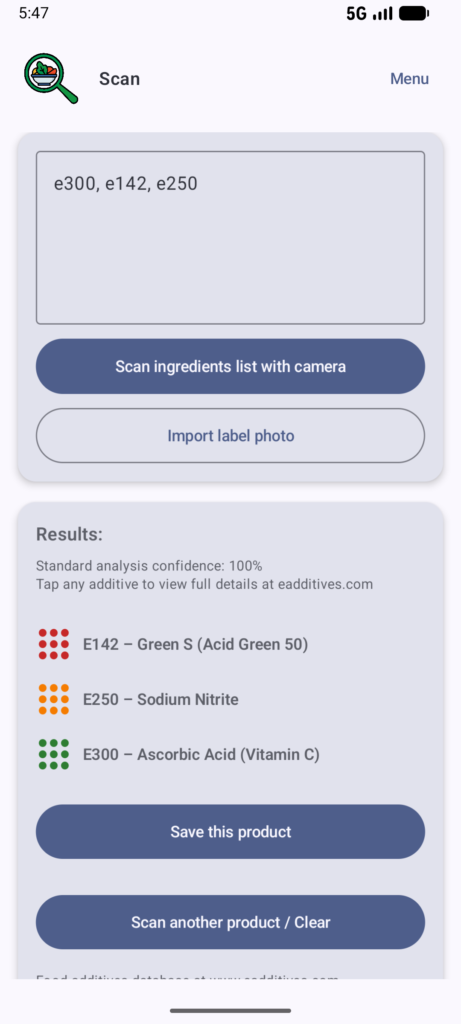
Scan page of Food additives scanner app. Shows analysis results and additive safety grades.
Scan page and analysed additives.

The application uses the food additives database at www.eadditives.com as the main source for safety grading, assigning each additive one of the following ratings:
GREEN – SAFE, ORANGE – SOME CONCERNS, or RED – UNSAFE.
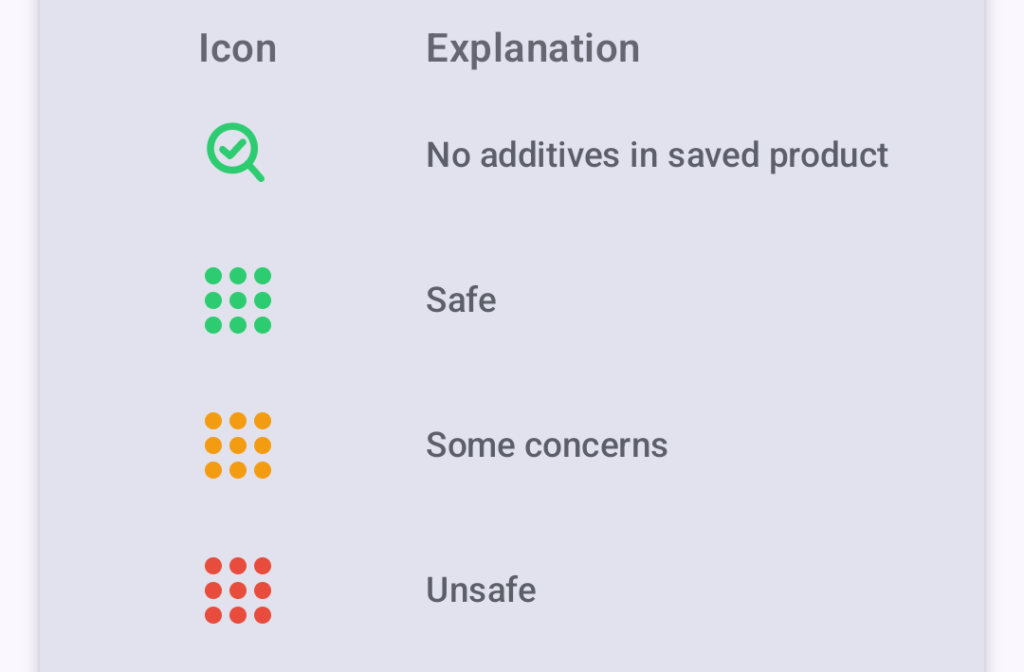
Safety icons explanations. Green-safe, orange-some concerns, red-usnafe, magnifier with checkmark icon-no additives in product.
Icons safety grades explanation

Why use this app

  • No account required and no tracking of personal data
  • Helps you make more informed food choices
  • Quickly reveals hidden additives in processed foods
  • Ideal for people monitoring diet, researchers, and anyone interested in clean eating

Key features

  • Automatic detection of food additives
  • Tap to view detailed articles
  • Save your scans
  • Shopping list
  • Backup & restore
  • Works with any food-label language
  • Clear safety grading system:
    GREEN – Safe
    ORANGE – Some concerns
    RED – High-risk additives

How it works

1. Scan a product label or import a photo.
2. The app extracts text and identifies all E-numbers.
3. You receive a clear list of additives with their safety grades.
4. Tap any additive to read the full article on eadditives.com.
5. Save the product for future reference.

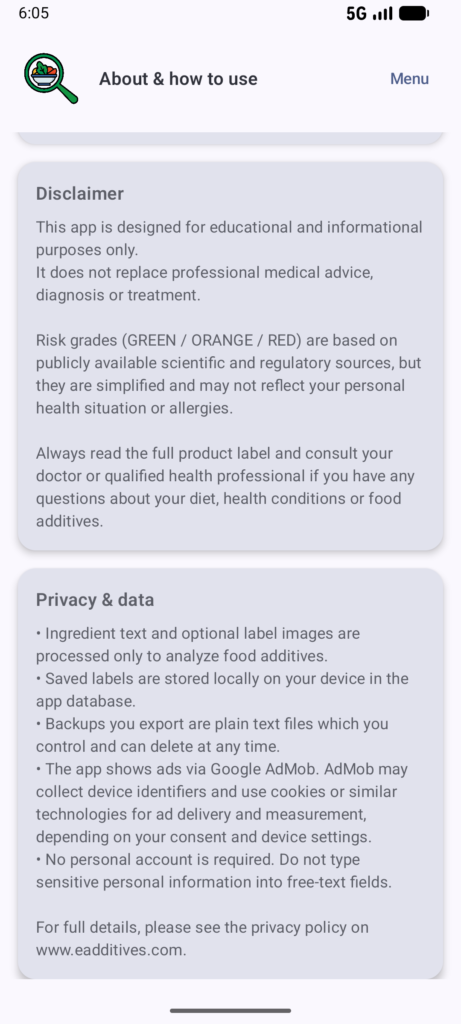
Privacy & data

  • Ingredient text and optional photos are analysed only for detecting additives
  • Saved products remain stored locally on your device
  • Exported backups are plain text files you control
  • No personal information or accounts are required

In app screenshots
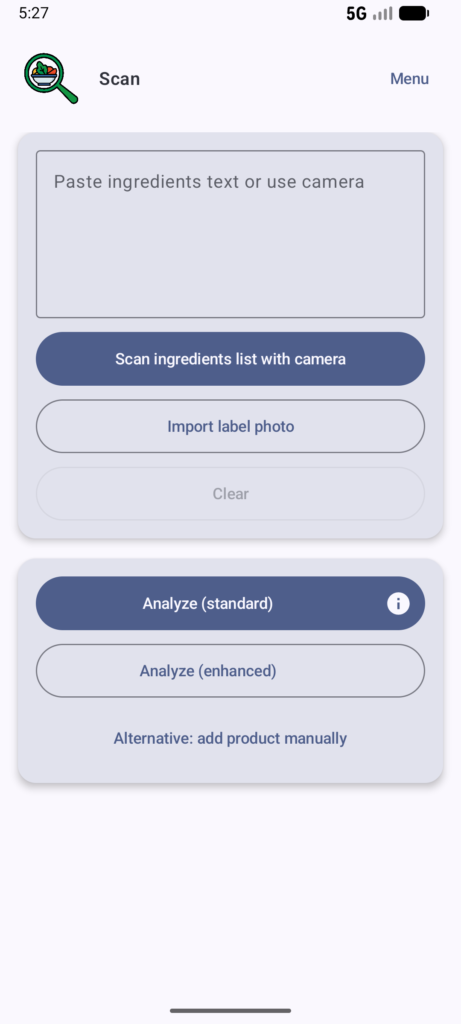
Scan page of Food additives scanner app.
Scan page

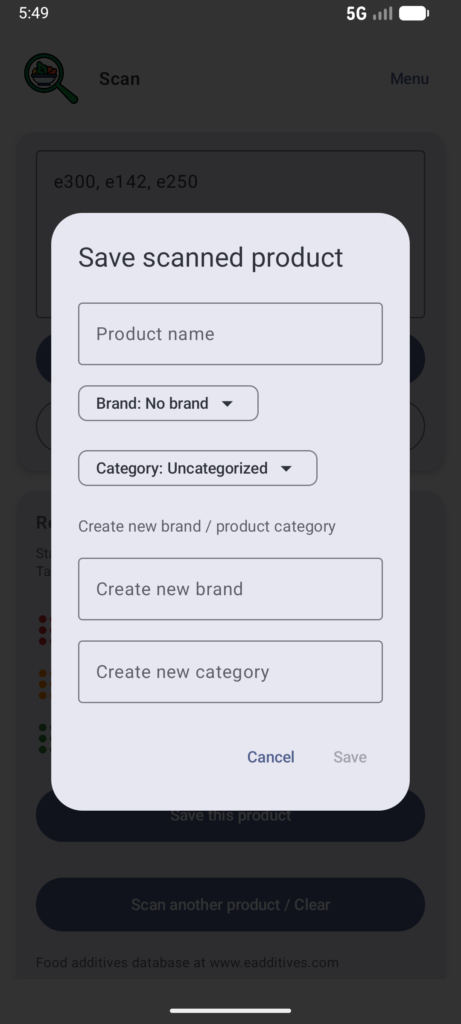
Scan page of Food additives scanner app. Save scanned product pop up window.
Save scanned product

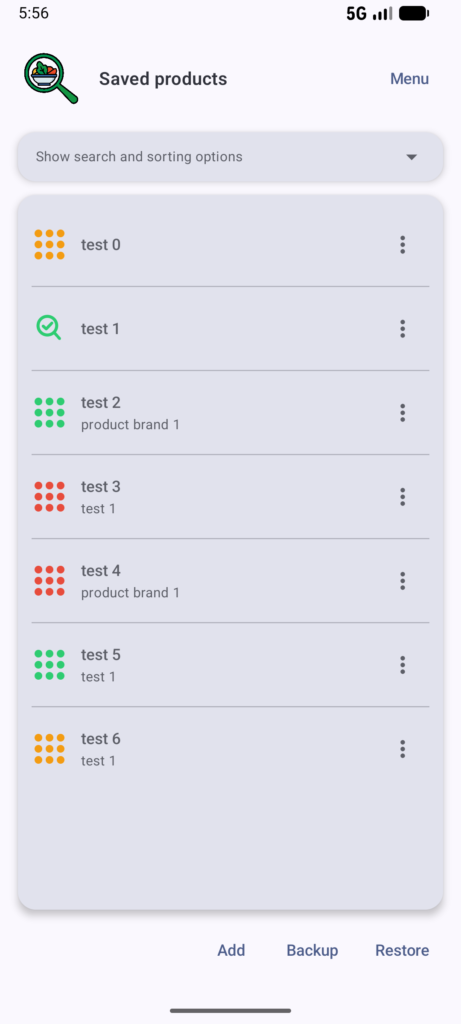
Saved products page of Food additives scanner app. List of saved products with safety grades.
Saved products list

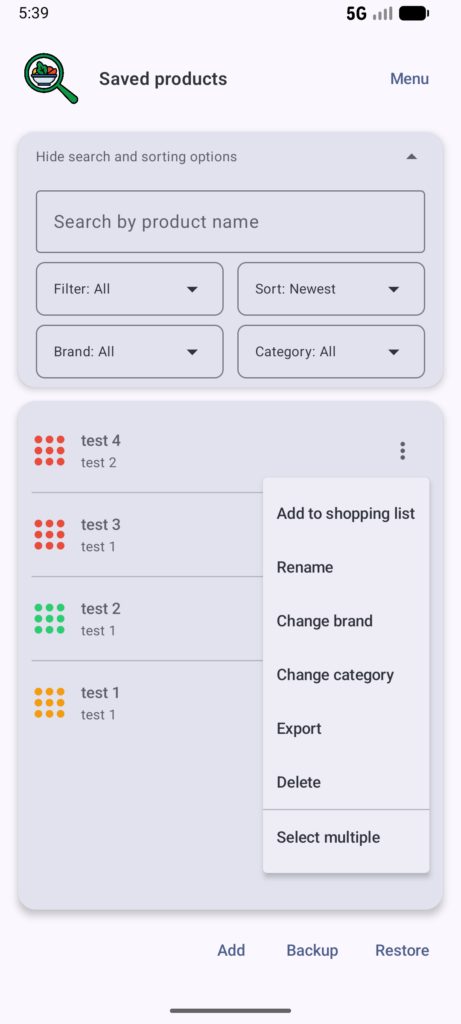
Saved products page of Food additives scanner app. Shows availabe sorting and filtering options together with advanced options for each saved product.
Saved products list with filtering, sorting and other options

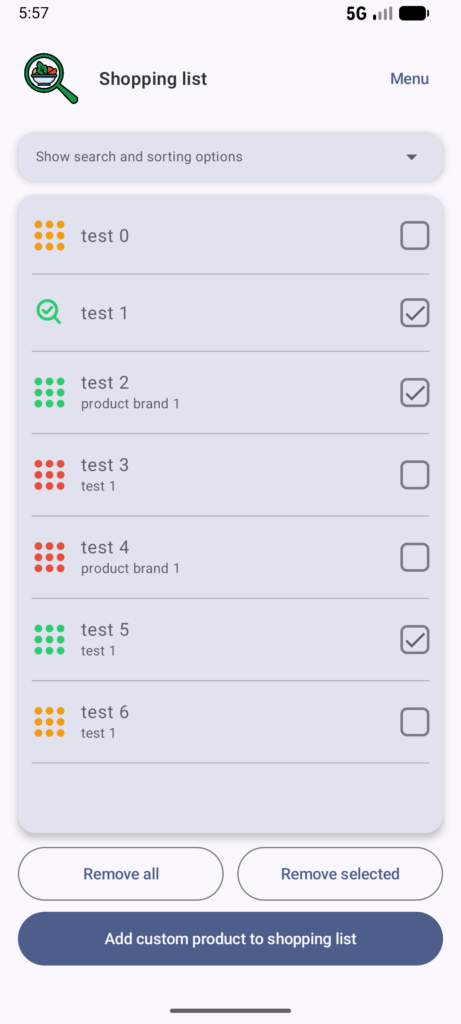
Shopping list page of Food additives scanner app.
Shopping list

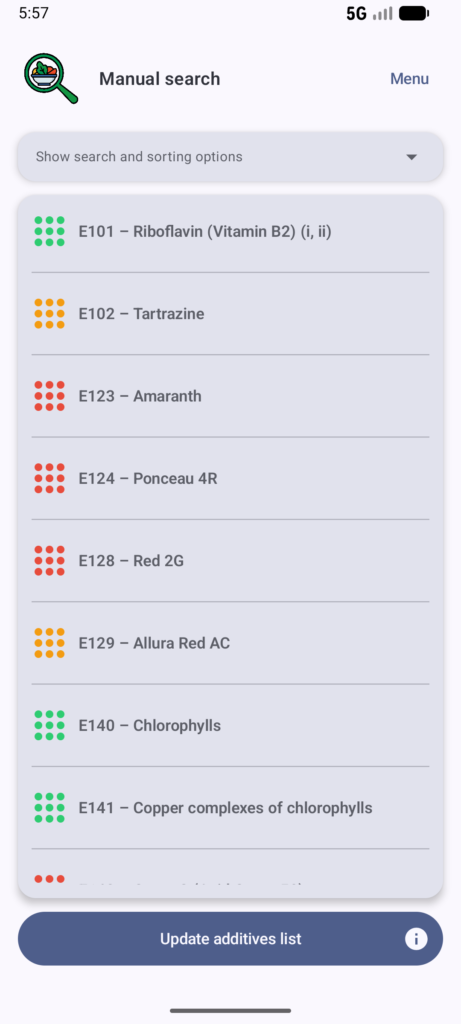
Manual search page of Food additives scanner app.
Manual search

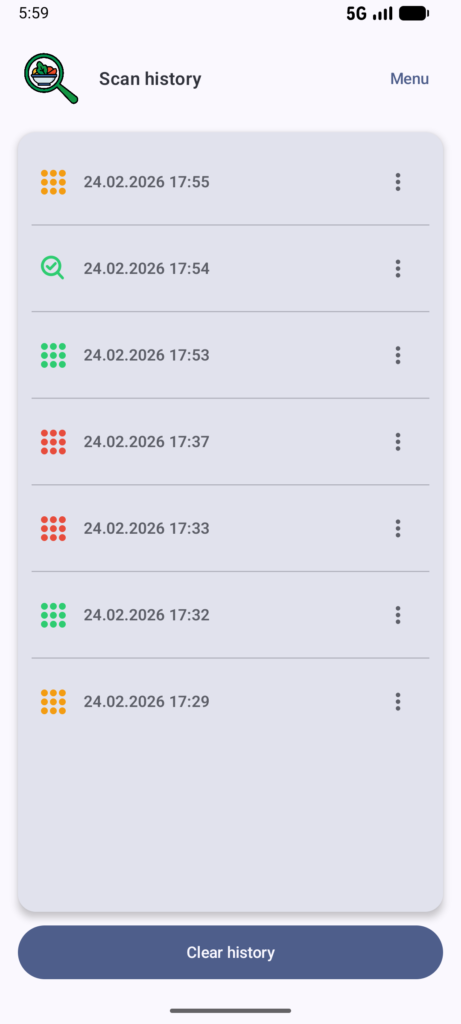
Scan history page of Food additives scanner app.
Scan History

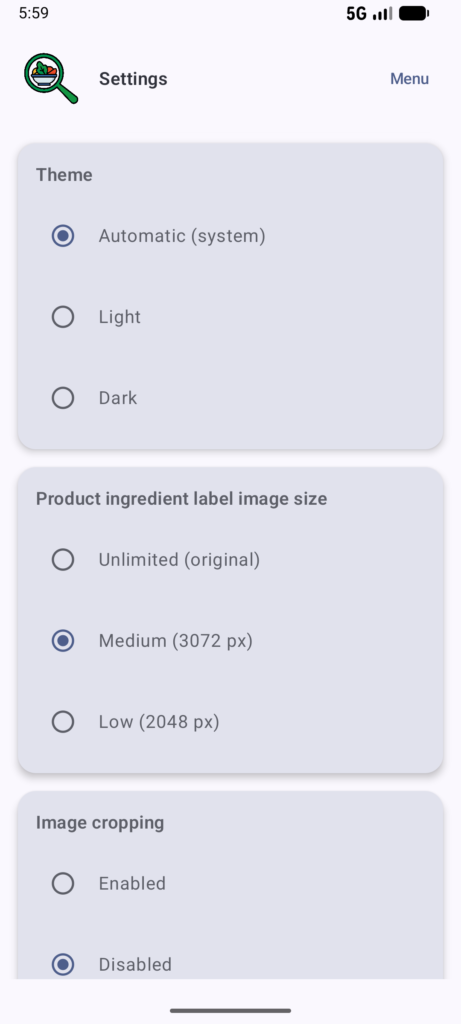
Settings page of Food additives scanner app.
Settings: theme, image size and cropping

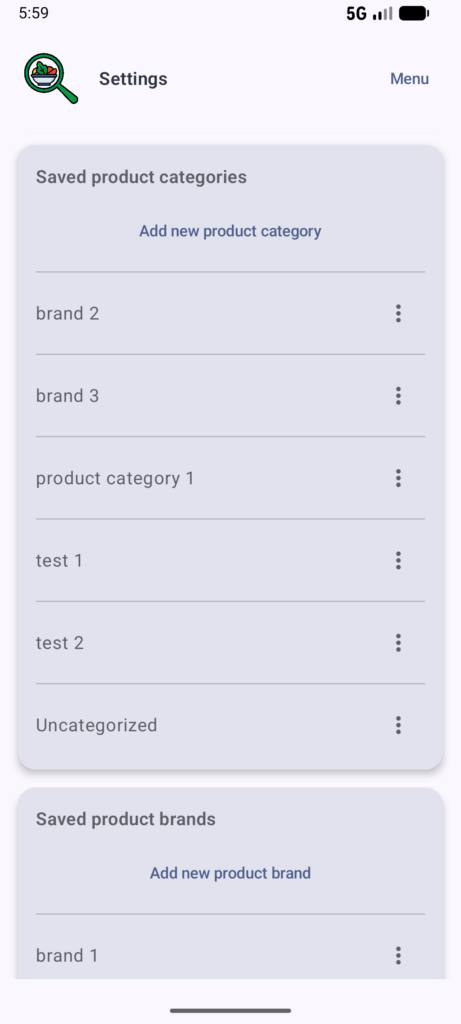
Settings page of Food additives scanner app.
Settings: saved product categories management

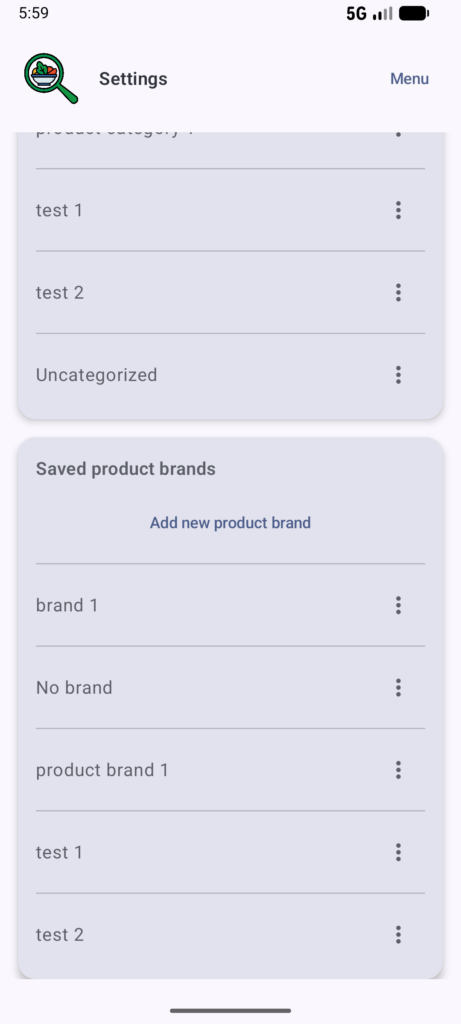
Settings page of Food additives scanner app.
Settings: saved product brands management

About and how to use page of Food additives scanner app.
About and how to use. Disclaimer, privacy and data